Attendance Tracking — Now in Your Pocket
Just a phone.
01 · PROBLEM
Still tracking time on paper?
Still keeping the timesheet by hand?
SOLUTION
Tap — the shift begins
02 · WORKER
A three-second job
Invite, done
Add their number; the invite code goes to their phone — setup takes a minuteTap to start the shift
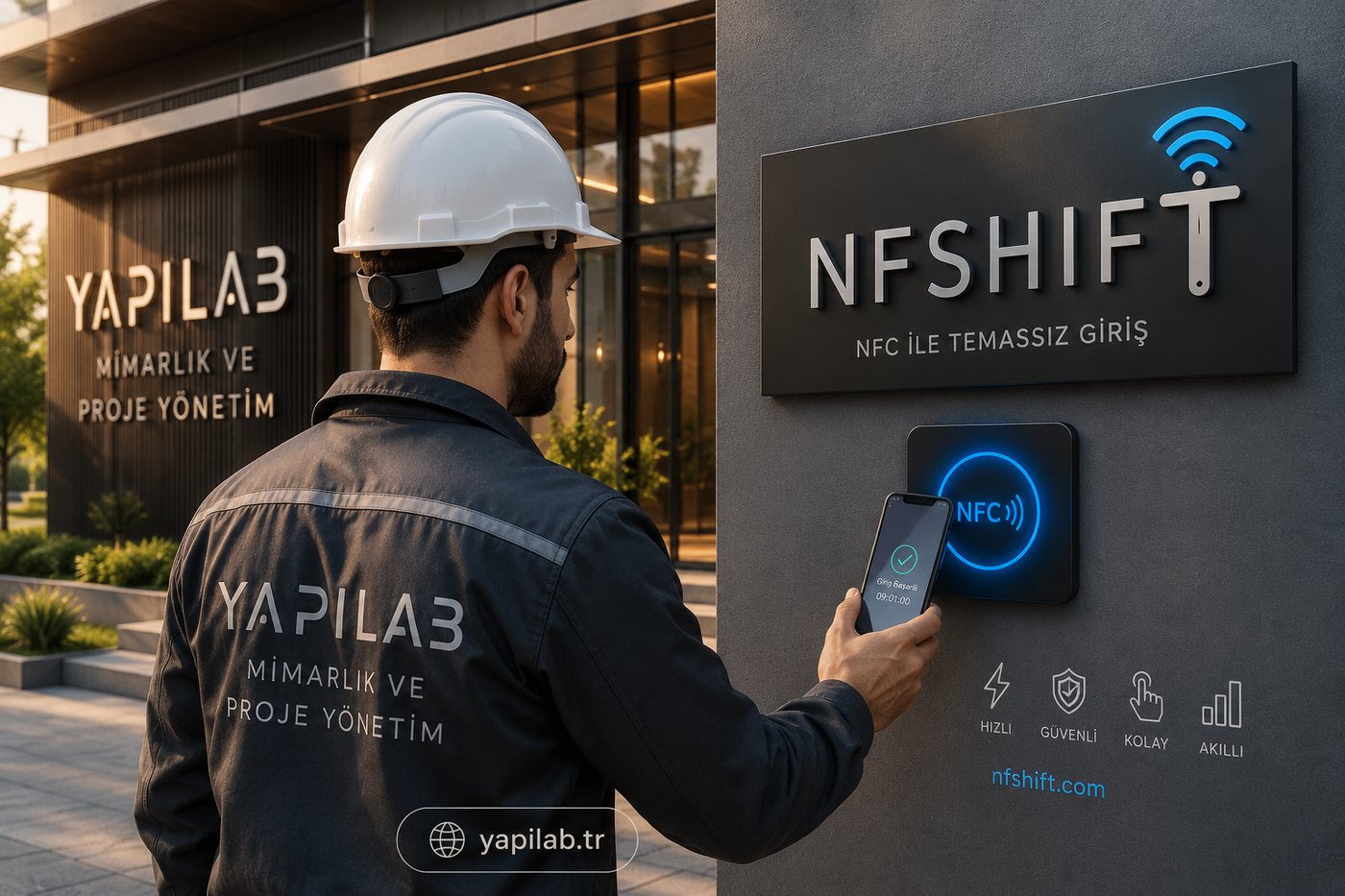
One tap on the NFShift tag at the door — three seconds, no lines, no queueThe hours write themselves
Check-in and check-out are totaled automatically — at month-end the timesheet is one click to Excel03 · APPS
Two apps, two roles
NFShift for the worker, NFShift HQ for the boss — both on iPhone and Android.
04 · TWO DOORS
Two doors, one record
05 · BOSS
Every site on one screen
Who arrived, who’s absent, who’s where — in real time.
06 · REPORT
Month-end: one click
07 · PAY RULES
Payroll writes itself
All three are live today — the timesheet is accurate to the minute.
08 · SECURITY
No one can clock in for someone else
Three proofs at once: tag identity, location, personal account.
09 · PRIVACY
No biometrics
Since June 2026, biometric time tracking is unlawful in Turkey; NFC/RFID is the compliant alternative.
10 · NUMBERS
NFShift in numbers
Just remember these four numbers.
11 · DETAILS
Every detail considered
Live today unless marked Planned.
SoonNotifications on Android phones
SoonAlerts when staff leave or return to the site
12 · ENTERPRISE
Ready at enterprise scale
Built for large teams, data security and compliance.
13 · SETUP
Setup: one lunch break
Four steps — no tech skills, cables or devices needed.
14 · SECTORS
Who is it for?
For any business that works in shifts.
Field & production
Service & retail
15 · WHY
Why NFShift?
Three-layer proof
No turnstiles, no card readers
Nothing to buy or install
Speaks the field’s language
Subcontractors, multi-site, no-internet areas
Compliant by design
No biometrics
16 · QUESTIONS
Questions on your mind
The objections we hear most — with honest answers.
What if the phone’s battery dies?
No shift is lost. The foreman enters the record manually from the panel in a minute — and every manual entry is kept with a “manually corrected” audit trail. Like the paper days, but recorded and transparent.
A phone without NFC?
For phones without NFC there’s a Bluetooth door: when the worker enters the site, the shift button appears by itself in the app. For the rare cases with no smartphone at all, the foreman enters it from the panel — again audited, again transparent.
What if they hand their phone to a friend?
Honest answer: the only way to block this 100% is biometric control. NFShift makes the trick both costly and traceable: a phone can be tied to only one account — to tap in for a friend you’d have to carry their phone all day. Every record is stamped with time, location and method; someone shown “on site” but not actually there stands out to the foreman. It’s far harder than a signature on paper.
SoonFace ID / fingerprint check at tap time — can be turned on or off per workplace. Face data stays inside the phone and never reaches us: verification yes, biometric data collection no. What KVKK forbids is the employer processing biometric data; here no data is processed.
No internet on site?
The record waits safely on the phone and syncs by itself when the connection returns. Not a single shift is lost.
17 · PRICING
How is it priced?
Request a demo for a tailored quote.
Request a demo18 · PILOT
We’re in our pilot phase
We’re live on our first sites — three perks for founding customers:
19 · PROMO
NFShift in 90 seconds
Start today
Setup is one lunch break — the first shift tomorrow morning.
info@nfshift.com · nfshift.com